
This article covers the official Windows PC requirements for Foundation: Galactic Frontier and what actually affects performance before you decide to install
Before downloading anything, it helps to know exactly what the PC client expects from your machine.
Grab the official PC client here
Explore the official siteThe official minimum specification
Foundation: Galactic Frontier publishes its Windows requirements directly, which is worth checking against your setup before committing to a download.
| Component | Minimum | Recommended |
|---|---|---|
| OS | Windows 7 SP1, 64-bit | 64-bit Windows required |
| Processor | Intel Core 2 Duo e6400 or AMD Athlon x64 4000+ | Not yet detailed by publisher |
| Memory | 4 GB RAM | Not yet detailed by publisher |
| Graphics | Nvidia GeForce GTX 460 or Radeon HD 4400 | Not yet detailed by publisher |
| Storage | 8 GB available space | Not yet detailed by publisher |
Source: Foundation: Galactic Frontier, official Steam page
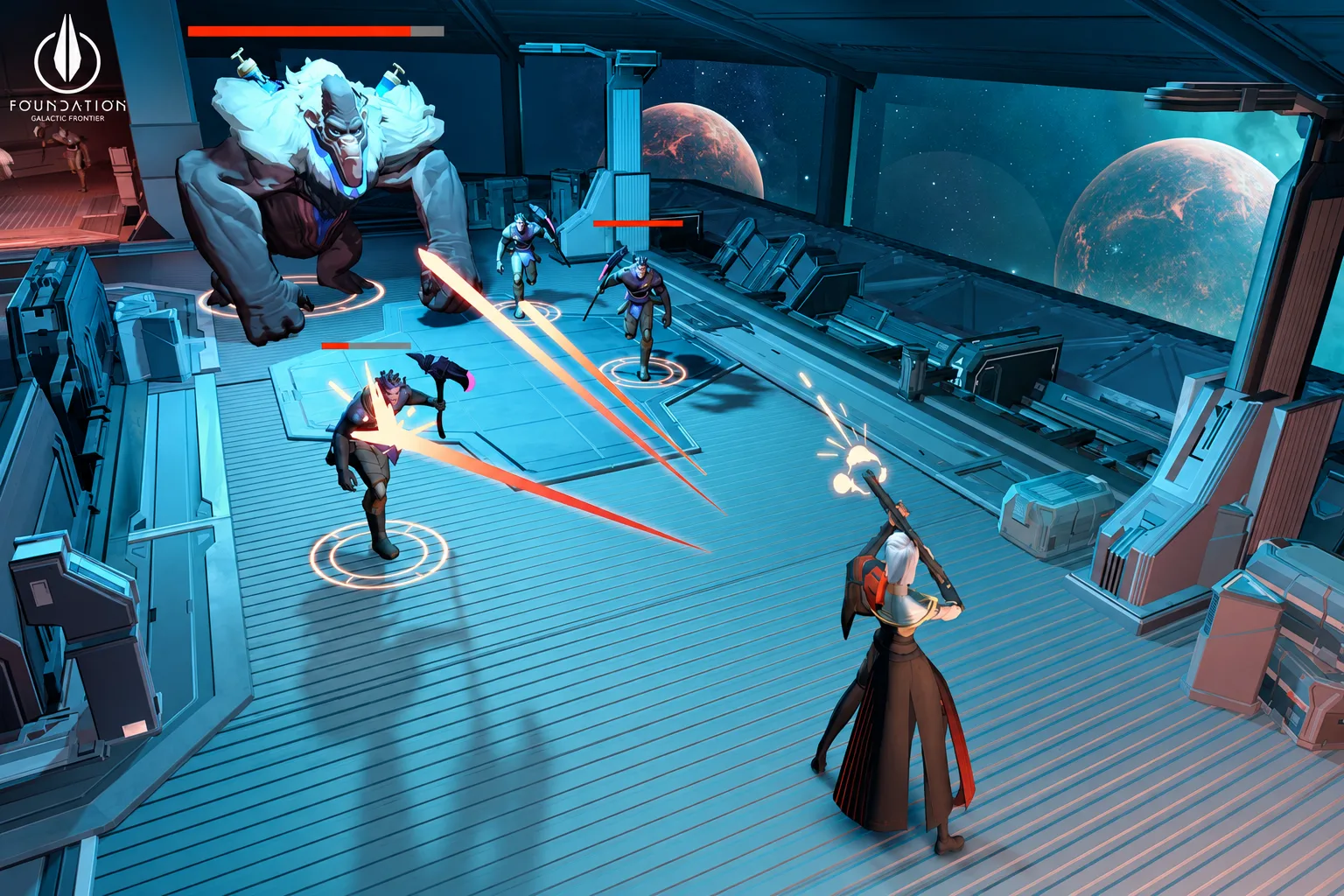
The listed minimum specification is intentionally conservative, since the game is built to run across a wide range of hardware, from older office machines to dedicated gaming rigs.
What the minimum spec actually means in practice
Meeting the minimum requirement gets the game running, but a machine sitting right at that floor may show longer load times during fleet battles and busier alliance scenes, where more ships and effects are on screen at once.
-
Check your OS version Confirm you are running a 64-bit version of Windows 7 SP1 or newer
-
Confirm available storage Make sure at least 8 GB of free space is available before installing
-
Update graphics drivers Recent drivers from Nvidia or AMD often improve stability more than hardware upgrades
-
Close background applications Freeing up RAM helps during larger fleet battles and alliance events
-
Test on lower graphics settings first Start conservative, then raise settings once performance is confirmed stable
See what the game actually looks like in motion
See how the game worksGetting smoother performance
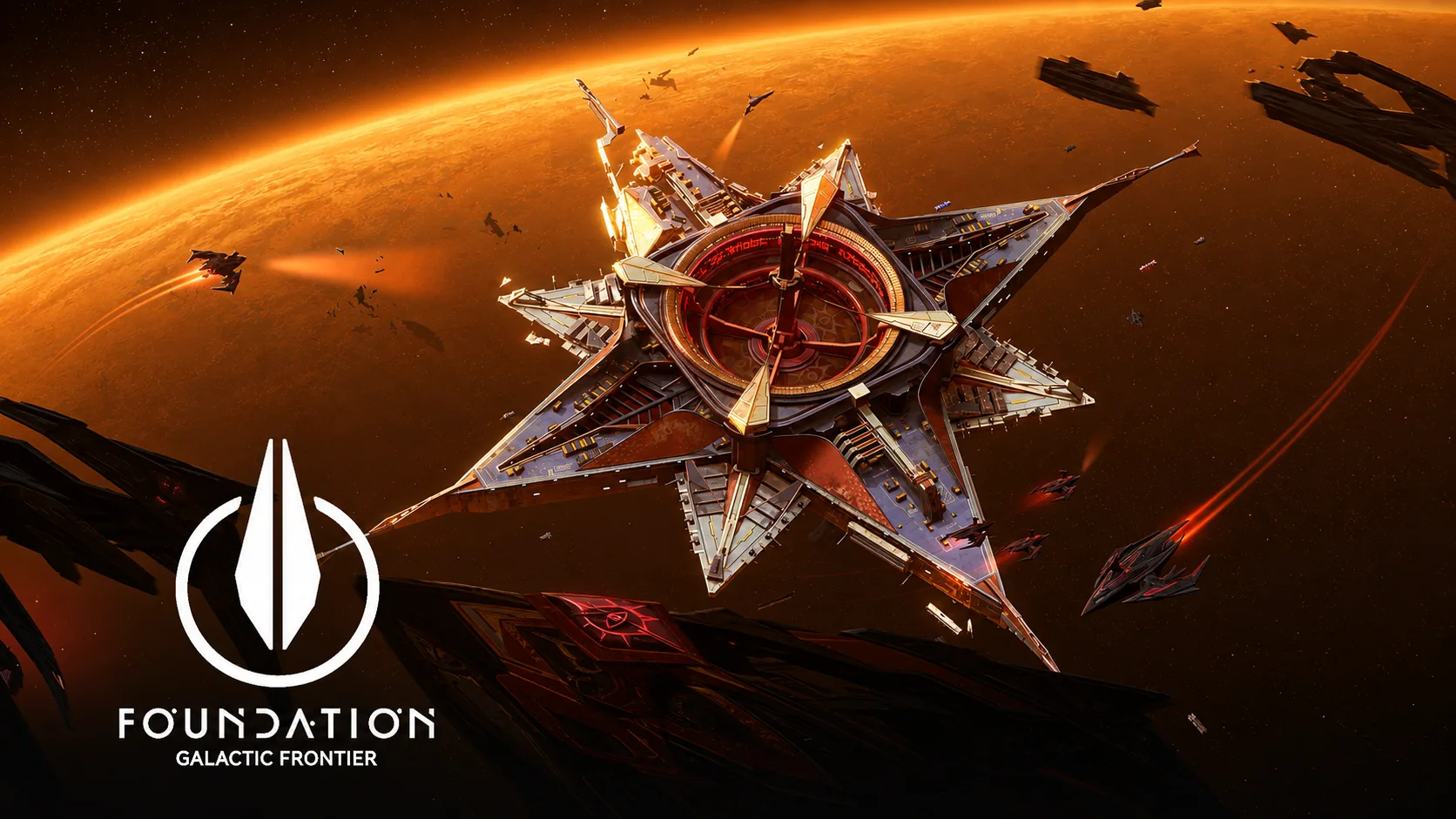
Performance on PC benefits from the same fundamentals that help most modern games: updated drivers, sufficient free storage, and closing unnecessary background processes before longer sessions. Fleet battles and alliance events with many active players tend to be the most demanding moments, so testing performance during those scenarios gives a more realistic picture than judging from the mothership screen alone.
Driver updates
Often the single biggest performance factor
Storage headroom
Keep extra space beyond the 8 GB minimum
Background apps
Close unused programs before longer sessions
Settings tuning
Lower graphics settings first, then raise gradually
Should you install it on an older PC

Older machines that meet the published minimum should be able to launch and play the game, though busier scenes with many ships or players may run less smoothly than on newer hardware. There is no harm in trying the free download and adjusting settings from there.
Older PCs at minimum spec
- Game launches and runs the core loop
- Busier scenes may show more slowdown
Mid-range modern PCs
- Handles fleet battles and alliance events comfortably
- Still benefits from driver updates for smoother results
High-end PCs
- Smoothest experience across all scenes
- Offers little extra beyond a stable
- responsive session
- Minimum requirements are low enough for a wide range of PCs
- Free to download and test before committing further
- Official Windows client, not a mobile emulator workaround
- Recommended specification details have not been published yet
- Busier fleet battles may run less smoothly on older hardware
The published minimum requirements are modest, so most Windows PCs from the last several years should be able to run Foundation: Galactic Frontier without issue
This article suits players who want to confirm their PC can handle the game before downloading it, especially on older or budget hardware
If you have held off installing a new game out of concern your PC cannot handle it, the requirements here are modest enough that most machines built in the last decade should be fine
What are the minimum requirements?
Has FunPlus published recommended specs?
Does the game run on Mac?
Will an older PC struggle with the game?
Check the download and try it on your PC
Try it and see



Runs fine on my older laptop, was worried for nothing honestly